Blog
How to Print USPS Postage at Home Safely

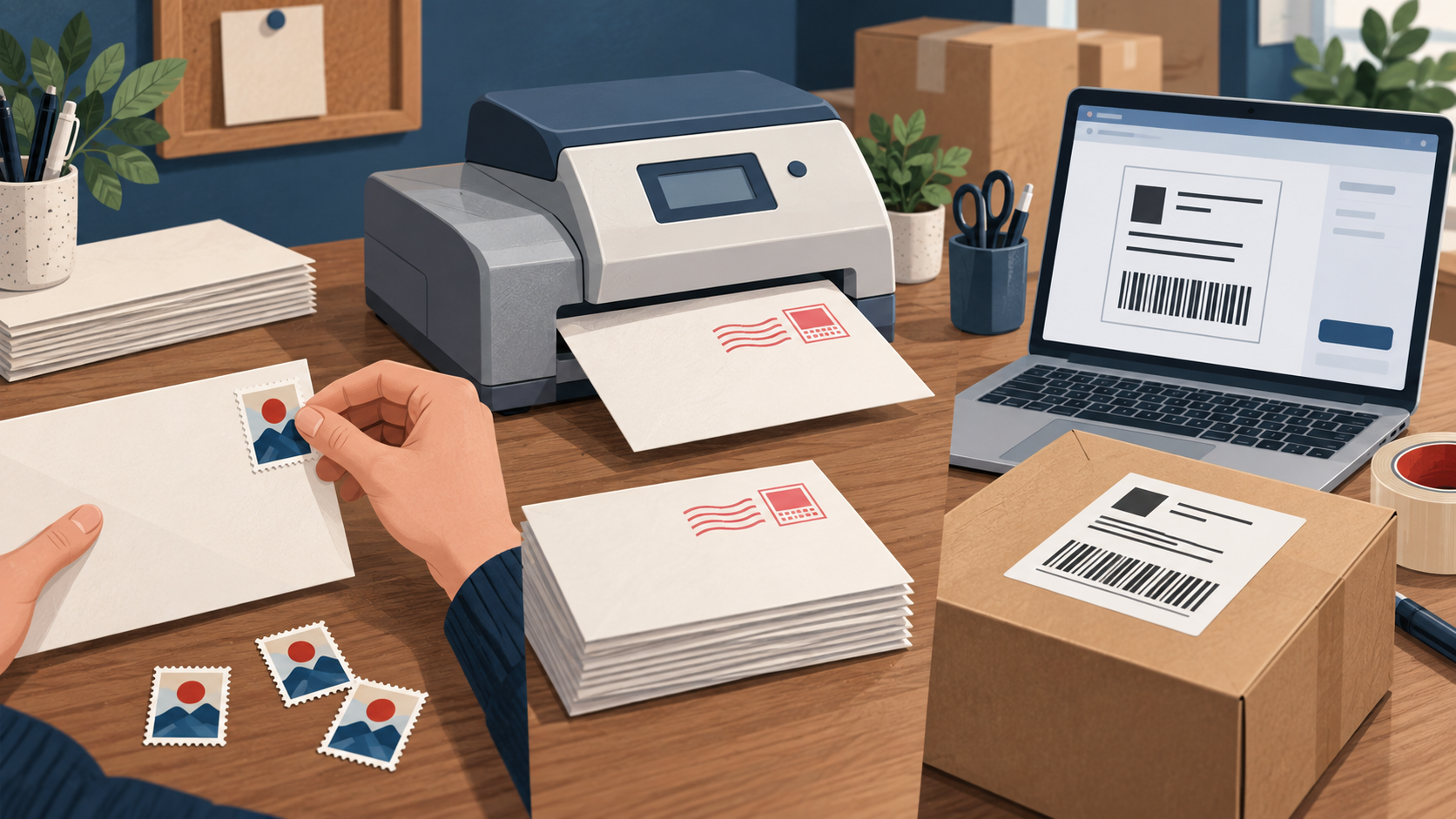
You can buy and print legitimate USPS postage at home, but it is normally a dated shipping label or authorized PC Postage indicium—not a sheet of homemade Forever stamps. Choose the workflow by mail type and provider requirements.
Three printing workflows
| Method | Best fit | Main limits |
|---|---|---|
| USPS Click-N-Ship | Addressed package labels for supported services | Account, package data, payment, label and mailing-date rules |
| Authorized PC Postage provider | Business or household postage workflows | Provider account, approved software/media, fees and service eligibility |
| Postage meter | Recurring business mail volume | Authorized equipment, account funding, dated indicia and records |
Print and mail safely
- Measure and weigh the completed mailpiece.
- Enter the destination, ZIP Codes, mail date, class and requested services accurately.
- Pay inside the official or authorized system.
- Print at full scale on suitable media; keep barcodes clean, flat and readable.
- Mail within the applicable date and acceptance rules and keep the transaction record.
Do not copy a label, alter a denomination or download a “printable stamp” image from a design site. Decorative stamp art does not create postage. A permit imprint also requires authorization and payment; simply printing “Postage Paid” has no value.
Start with USPS Click-N-Ship. Compare physical stamps, meters and digital postage in our postage methods guide.
Digital postage workflows reviewed September 12, 2026. Provider features and prices change.